
All Categories
Budget PC Builds &
Buying Guides
Everything you need to build, upgrade, and buy smarter — without overspending. Guides built for real budgets.
Guides
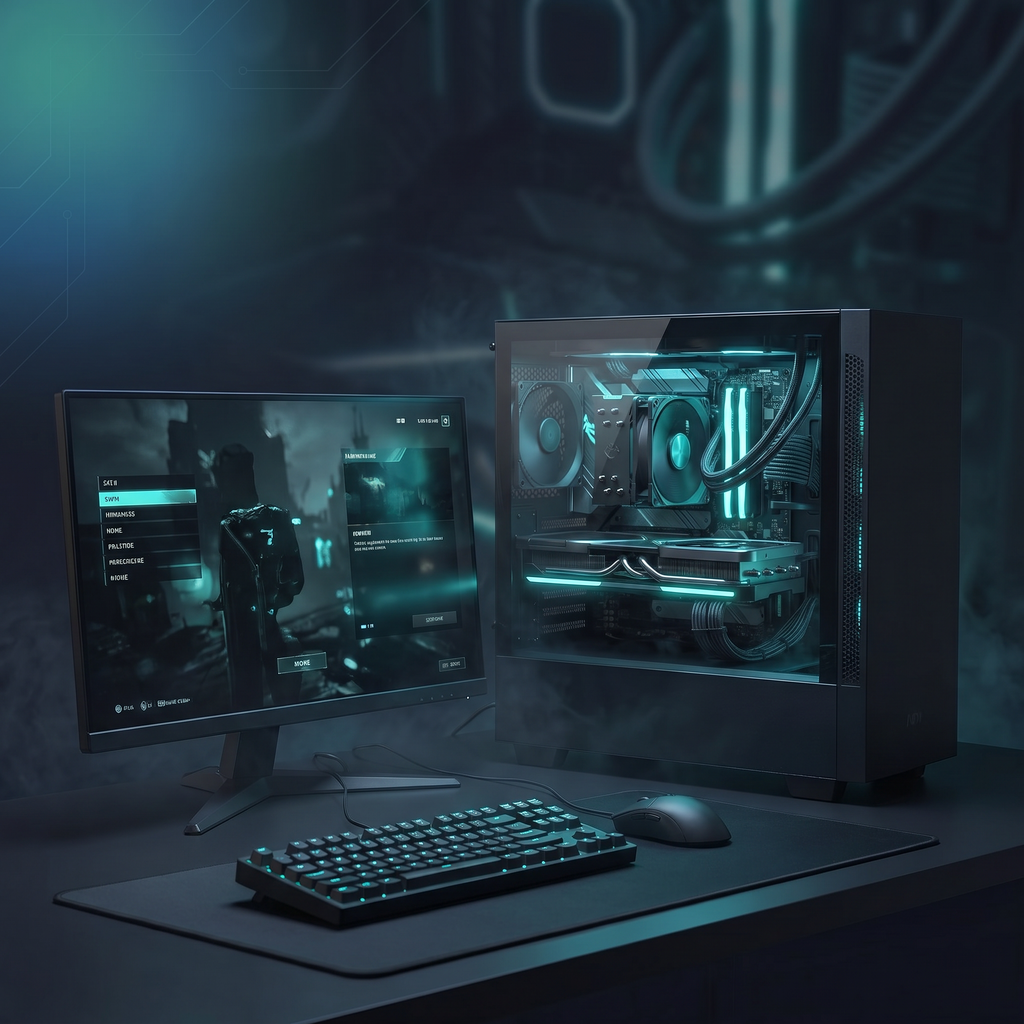
Start Here
Budget Builds
Full PC build guides at every price point. We tell you exactly what to buy and why.
- $500 gaming PC builds that actually perform
- Best part combinations for 1080p & 1440p
- AM5 builds with upgrade paths through 2027
Guides
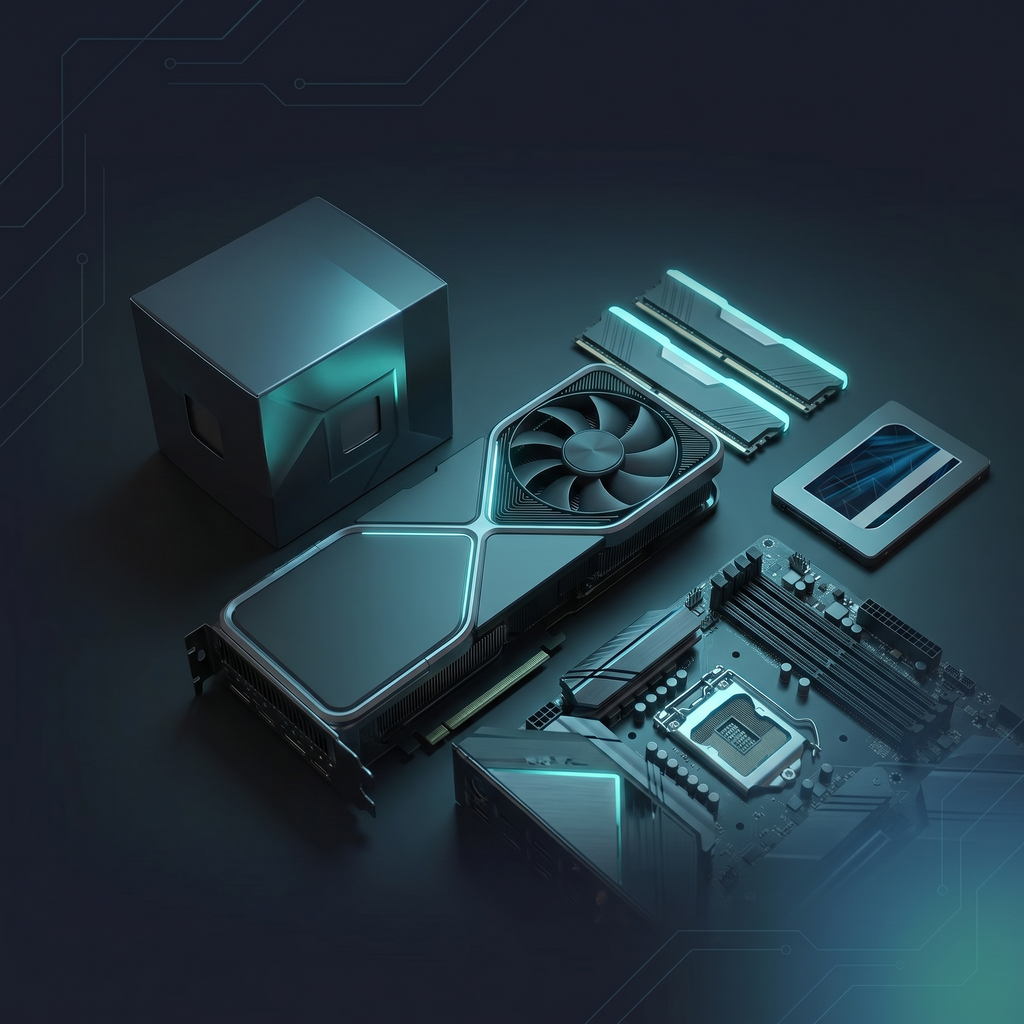
Best Value
Best Budget Parts
GPU, CPU, RAM, and storage comparisons focused on what gives you the most for your money.
- Best GPUs under $200, $300, and $400
- CPU vs CPU — which budget chip wins?
- Parts that punch above their price tag
Guides
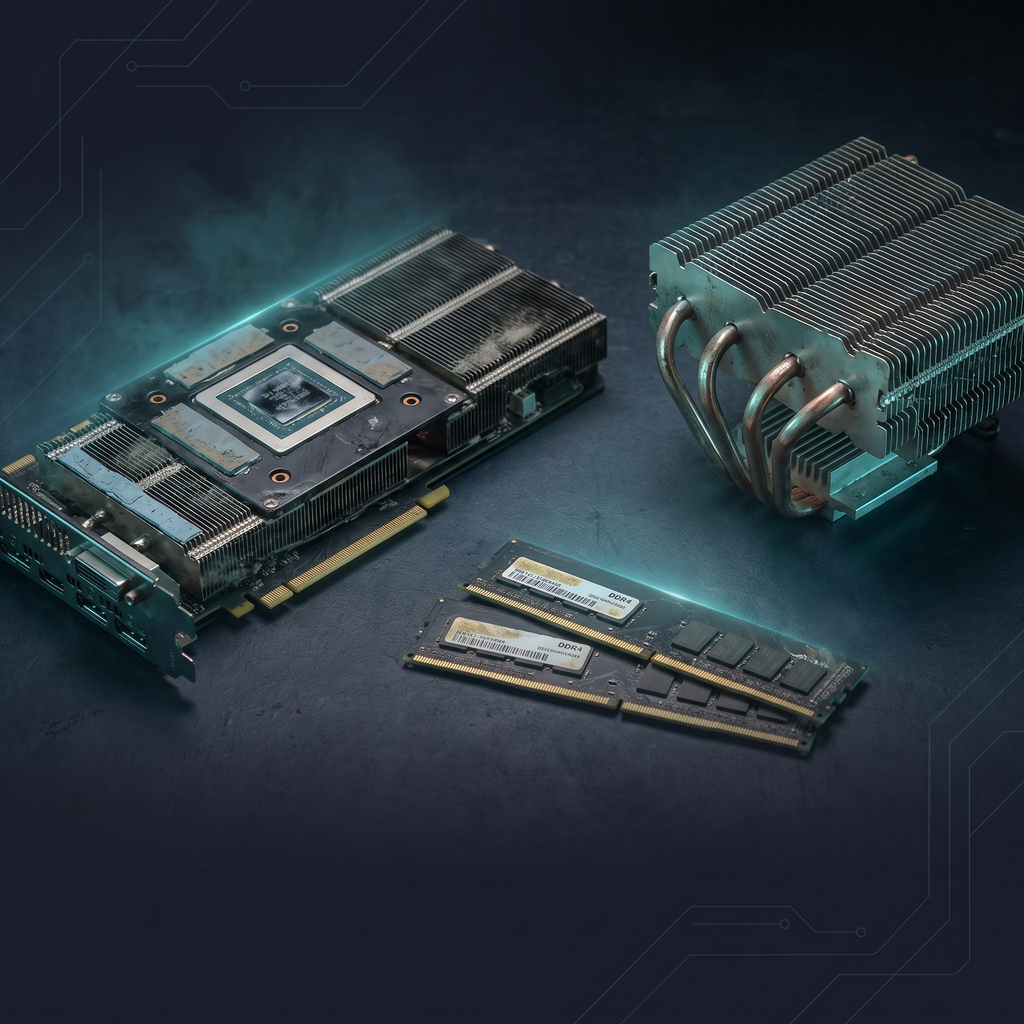
Hidden Deals
Used & Cheap Finds
The secondhand market is where budget PC building gets really interesting. Here’s how to shop it smart.
- Best used GPUs worth buying right now
- What to check before buying secondhand parts
- Refurb vs used — which is safer?
Guides
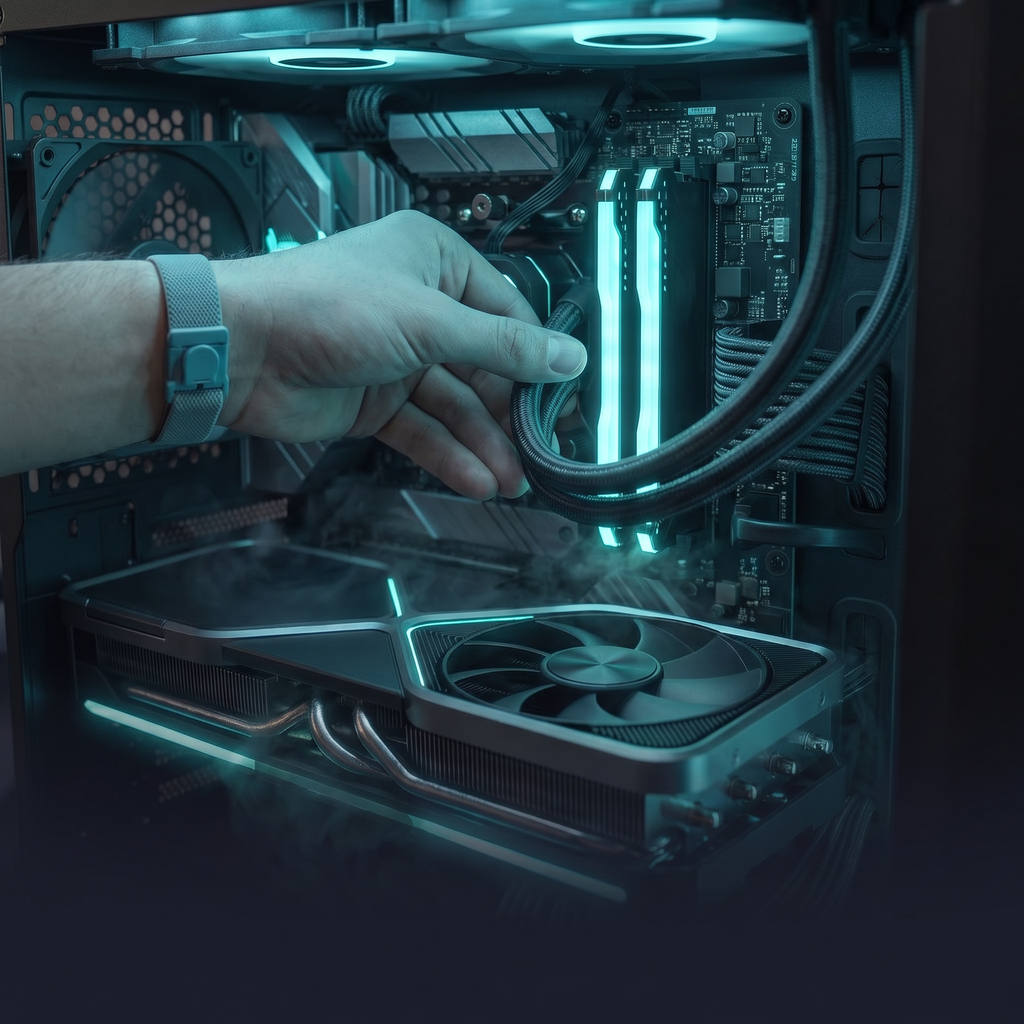
Upgrade Smart
Smart Upgrades
Before you spend money on new hardware, check if a free or cheap tweak gets you there first.
- Is DLSS 4 worth enabling on your GPU?
- Free FPS boosts that actually work
- When upgrading is worth it — and when it isn’t
Not sure where to start?
The $500 Budget Gaming PC Build is the most popular guide on the site.
Start Here
The $500 Budget Gaming PC Build is the most popular guide on the site.