
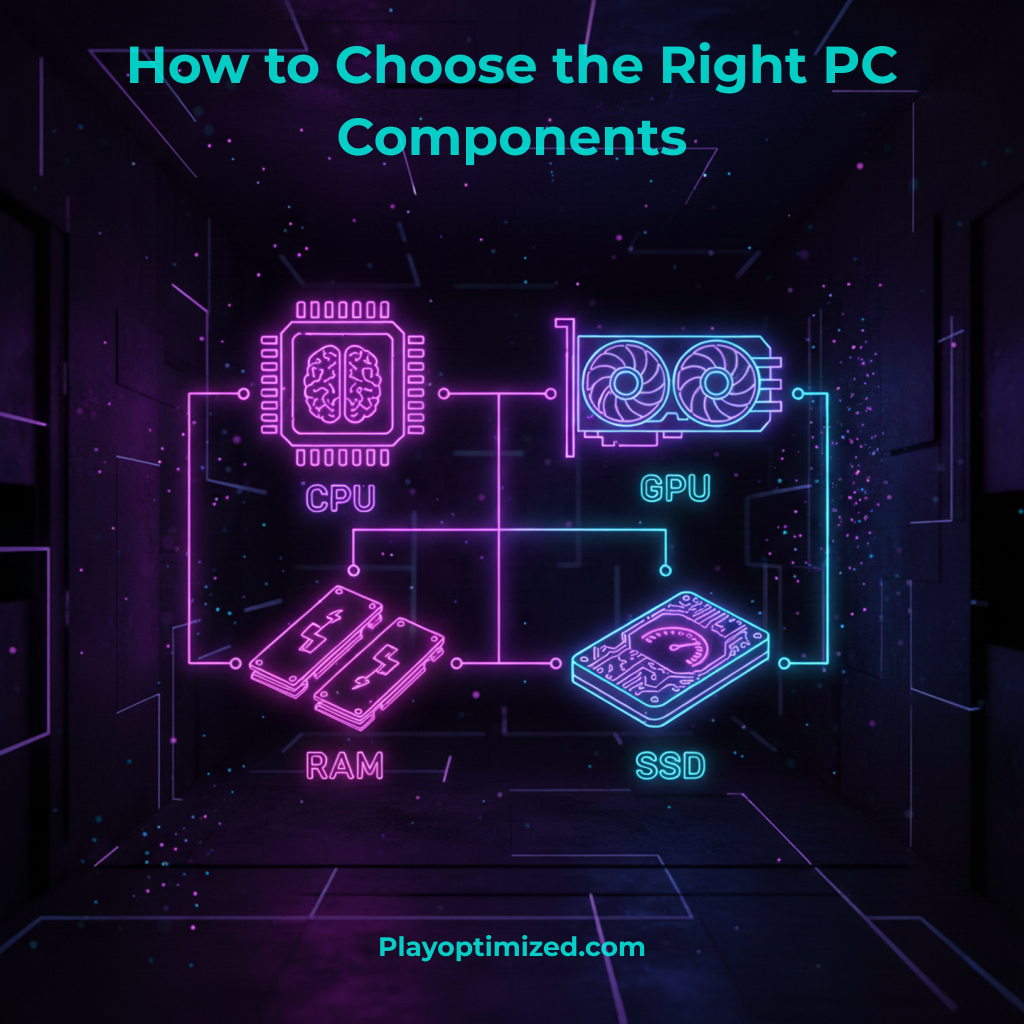
If you want to choose PC components, it’s important to understand how the CPU, GPU, RAM, and SSD work together to deliver balanced performance, efficiency, and long-term value. Choosing the right hardware helps you avoid bottlenecks, overspending, and compatibility issues while building a system that fits your needs.
1. Choosing the Right CPU
The CPU is the central processing unit and acts as the brain of your PC. It handles everyday tasks, system responsiveness, and complex calculations in games and applications. For most users in 2026, a 6-core or 8-core processor is ideal. Gamers should prioritize strong single-core performance, while streamers, video editors, and multitaskers benefit from additional cores and threads. Always make sure your CPU is compatible with your motherboard and cooling solution to avoid performance issues.
2. Choosing the Right GPU
The GPU has the biggest impact on gaming performance. Your choice should depend on your target resolution and refresh rate. For 1080p gaming, a mid-range GPU offers excellent value, while 1440p or 4K gaming requires more powerful models. VRAM is also important, as modern games increasingly demand 8GB or more. Choosing a GPU that matches your monitor prevents overspending and avoids performance bottlenecks.
3. Choosing the Right RAM
RAM allows your system to run multiple applications smoothly. In 2026, 16GB of RAM is the recommended minimum for gaming and everyday use, while 32GB is ideal for content creators and power users. Dual-channel memory kits provide better performance than single sticks, and higher memory speeds can slightly improve gaming performance, especially on modern CPUs.
4. Choosing the Right SSD
Storage affects how fast your system boots and how quickly games and programs load. SSDs are essential for any modern PC, and NVMe SSDs offer the best performance for the price. A 500GB or 1TB SSD is recommended for most users, providing enough space for the operating system and several large games. Faster storage also improves system responsiveness and reduces loading times.
Final Thoughts
Choosing the right PC components is about balance and planning. Matching your CPU, GPU, RAM, and SSD to your specific needs ensures better performance, smoother upgrades, and long-term value. A well-balanced PC will always outperform an unbalanced system, even if the parts are more expensive.

The PlayOptimized Team is made up of PC enthusiasts passionate about helping everyday users get the most out of their hardware. From budget builds to advanced optimization, every guide is written with one goal in mind: practical advice that actually works, without the technical overwhelm.