
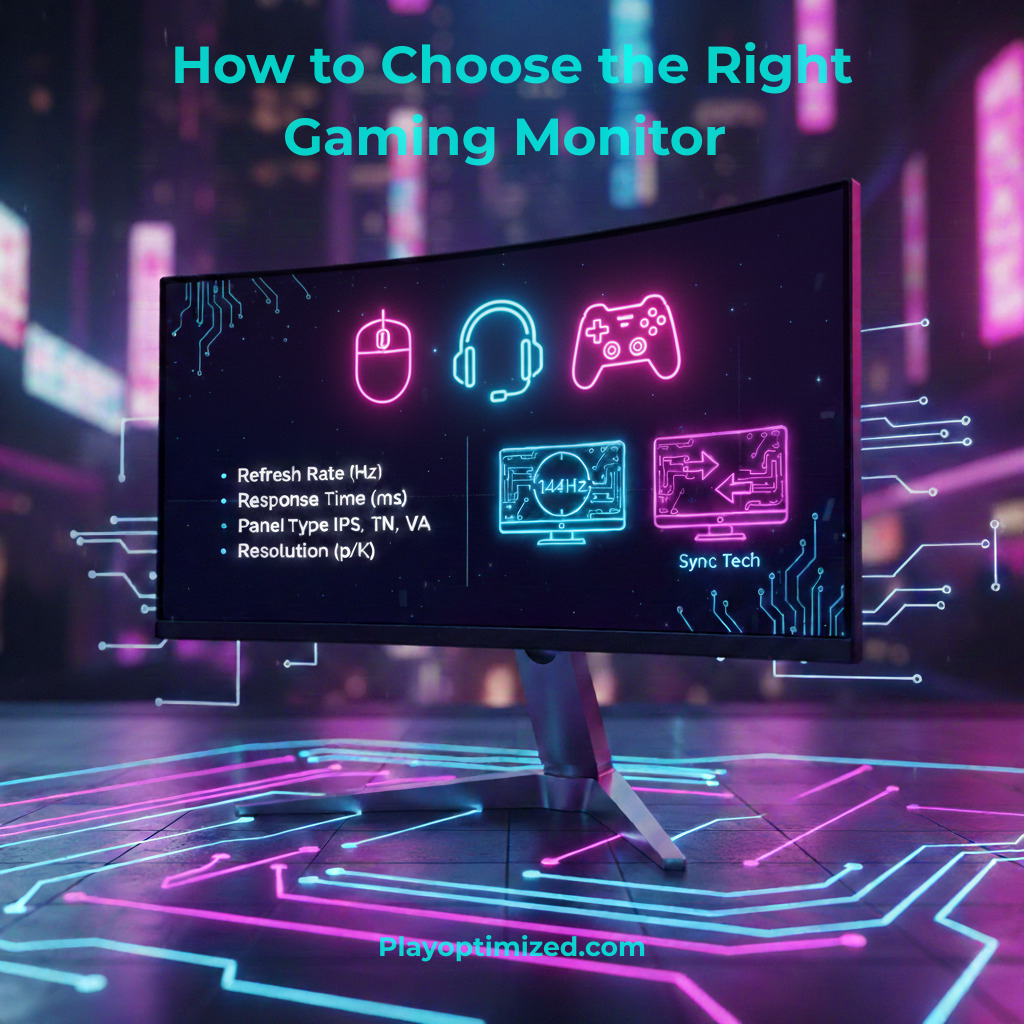
Choose the right gaming monitor to fully unlock your PC’s performance and enjoy smooth, responsive, and visually stunning gameplay. Even the most powerful gaming PC can feel underwhelming if paired with the wrong display. Resolution, refresh rate, panel type, and monitor features all play a critical role in how games look and feel.
This guide explains everything you need to know to choose the right gaming monitor based on your hardware, gaming style, and budget.
Why Choosing the Right Gaming Monitor Matters
A gaming monitor is more than just a screen. It directly affects:
- Motion clarity and smoothness
- Input lag and responsiveness
- Visual sharpness and immersion
- Competitive performance
Choosing the right gaming monitor ensures your GPU’s power isn’t wasted and your games feel fluid and responsive.
Resolution Explained When Choosing the Right Gaming Monitor
Resolution determines how sharp the image looks.
1080p (Full HD)
- Best for high FPS gaming
- Ideal for competitive players
- Lower GPU demand
1440p (QHD)
- Balanced sharpness and performance
- Most popular gaming resolution
- Great for mid-to-high-end GPUs
4K (Ultra HD)
- Extremely sharp image quality
- High GPU requirements
- Best for immersive and single-player games
When you choose the right gaming monitor, resolution should match your GPU’s capabilities.
Refresh Rate: A Key Factor When Choosing the Right Gaming Monitor
Refresh rate determines how many frames the monitor displays per second.
Common Refresh Rates
- 60Hz – basic gaming
- 144Hz – smooth and responsive
- 165Hz / 240Hz – competitive advantage
- 360Hz – esports-focused setups
Higher refresh rates provide smoother motion and reduced input lag, especially in fast-paced games.
Panel Types Explained for Gaming Monitors
Panel technology affects image quality, speed, and viewing angles.
IPS Panels
- Best color accuracy
- Wide viewing angles
- Slightly slower response times (modern IPS is very fast)
VA Panels
- Excellent contrast
- Deep blacks
- Slightly more motion blur
TN Panels
- Fastest response times
- Lower image quality
- Narrow viewing angles
For most users, IPS offers the best balance when choosing the right gaming monitor.
Response Time and Input Lag
Response time affects motion clarity, while input lag affects responsiveness.
What to Look For
- 1ms–5ms response time
- Low input lag ratings
- Avoid excessive overdrive settings
Low response time and input lag are essential for competitive gaming.
Adaptive Sync: G-Sync and FreeSync
Adaptive sync eliminates screen tearing and stuttering.
Why It Matters
- Smoother gameplay
- Better frame pacing
- Reduced micro-lag
Most modern monitors support both NVIDIA and AMD GPUs, making adaptive sync a must-have feature.
Screen Size and Aspect Ratio
Screen size impacts immersion and desk space.
Popular Sizes
- 24″ – competitive gaming
- 27″ – best all-around size
- 32″+ – immersive experiences
Aspect Ratios
- 16:9 – standard gaming
- 21:9 ultrawide – immersive and cinematic
- 32:9 super ultrawide – niche setups
Choose based on your gaming style and available space.
HDR and Brightness Considerations
HDR improves contrast and highlights, but quality varies.
HDR Tips
- Look for HDR400 or higher
- True HDR requires high brightness and local dimming
- Entry-level HDR offers limited benefits
HDR is a bonus, not a requirement, when choosing the right gaming monitor.
Ports and Connectivity
Ensure compatibility with your GPU.
Essential Ports
- DisplayPort (preferred for high refresh rates)
- HDMI 2.0 / 2.1
- USB hubs (optional)
Using the correct cable is crucial for unlocking full refresh rates.
Matching a Gaming Monitor to Your PC
Your hardware should guide your choice.
Examples
- Mid-range GPU → 1440p 144Hz
- High-end GPU → 4K or ultrawide
- Esports focus → 1080p 240Hz
Balanced setups deliver the best experience.
Common Mistakes When Choosing a Gaming Monitor
Avoid these errors:
- Buying 4K with a weak GPU
- Ignoring refresh rate
- Overpaying for gimmicks
- Choosing size over performance
Understanding your needs prevents regret.
Final Thoughts on Choosing the Right Gaming Monitor
Learning how to choose the right gaming monitor is essential for maximizing your gaming experience. By balancing resolution, refresh rate, panel type, and features, you can build a setup that feels smooth, responsive, and immersive without overspending.
The right monitor doesn’t just display games — it transforms how they feel.

The PlayOptimized Team is made up of PC enthusiasts passionate about helping everyday users get the most out of their hardware. From budget builds to advanced optimization, every guide is written with one goal in mind: practical advice that actually works, without the technical overwhelm.