
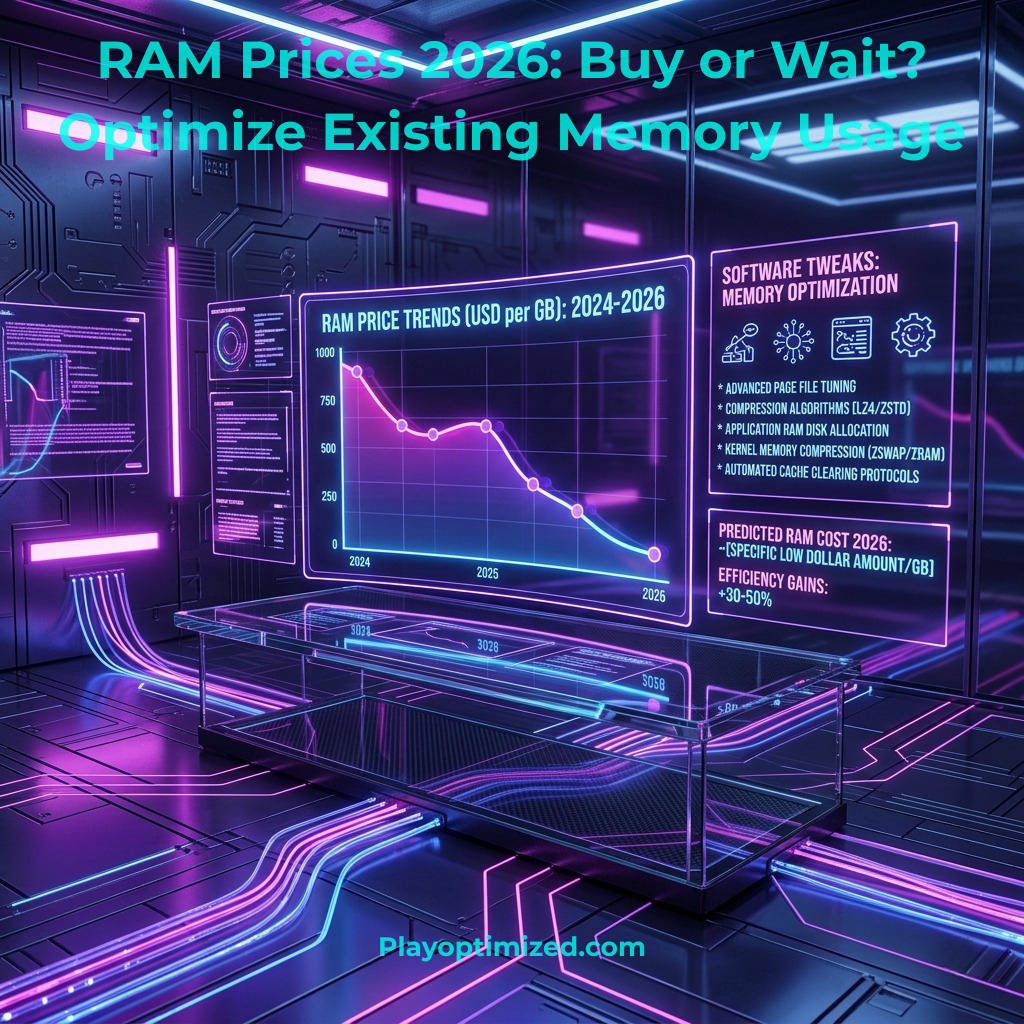
RAM Prices 2026: Should You Buy Now or Wait? (+ How to Optimize What You Have)
Introduction: A Confusing Time to Upgrade Memory
RAM prices 2026 are confusing a lot of PC builders right now. If you’ve checked memory prices recently, you’ve probably wondered why costs are suddenly so high—and whether it’s smarter to buy now or wait.
The memory market in 2026 is in a strange place. DDR5 has finally matured and become the standard for modern systems, but instead of getting cheaper—as most hardware does over time—prices have surged. At the same time, DDR4 is fading out, and early discussions around DDR6 are beginning to surface.
So the big question is simple: should you buy RAM now, or wait?
The answer depends on your current setup, your needs, and how long you can afford to wait. In this guide, we’ll break down what’s driving RAM prices in 2026, give you a clear buy-or-wait verdict, and show you how to get more performance out of the memory you already own.
1. Why Are RAM Prices So High in 2026?
To understand whether now is a good time to buy, you first need to understand what’s happening behind the scenes.
The AI Boom Is Reshaping the Memory Market
The biggest factor driving RAM prices right now is artificial intelligence. Data centers require enormous amounts of high-performance memory to train and run AI models. This demand has shifted production priorities across the industry.
Memory manufacturers are allocating more resources to high-bandwidth memory (HBM), which is used in AI accelerators. Since consumer RAM (DDR4 and DDR5) is produced using overlapping resources, this shift reduces supply for everyday users.
The result is simple economics:
- Less consumer supply
- Higher global demand
- Rising prices across the board
DDR4 Is No Longer the “Cheap Option”
Many people assume older technology means lower prices. That’s no longer true for RAM.
DDR4 production is being phased out as manufacturers focus on newer standards. As supply decreases, prices have actually increased in many regions. In some cases, DDR4 kits are now priced similarly to DDR5.
This means buying DDR4 today is often:
- Not significantly cheaper
- Worse for long-term upgrades
- Limited in future compatibility
DDR5 Has Matured—But Prices Haven’t Dropped
Technically, DDR5 is in a strong position:
- Better speeds and efficiency
- Stable compatibility on modern platforms
- Widely supported by new CPUs
However, due to supply constraints and demand pressure, prices remain higher than expected for a “mature” technology.
2. RAM Market Trends and Outlook
Understanding where prices are going helps answer the buy-or-wait question more clearly.
Short-Term (First Half of 2026)
- Prices remain elevated
- Minor fluctuations but no major drops
- Market stability compared to late 2025 volatility
Mid-Term (Second Half of 2026)
- Potential for gradual improvement
- New production capacity may increase supply
- No guaranteed price correction
Long-Term (2027 and Beyond)
- Most analysts expect normalization
- DDR6 begins entering early adoption phase
- DDR5 becomes more affordable
3. Buy Now or Wait? The Practical Answer
Here’s the part that actually matters.
Scenario A: You’re Still Using DDR4
If your system runs on DDR4, upgrading your platform is becoming increasingly relevant.
Modern CPUs are now built around DDR5, and performance differences—especially in gaming and multitasking—are becoming more noticeable.
Recommendation:
- Avoid investing heavily in DDR4
- Plan a platform upgrade when possible
- Only buy DDR4 if you need a short-term fix
Scenario B: You Have 16GB of DDR5
In 2026, 16GB is starting to feel limited for many users.
Modern games, browsers, and background apps can easily push systems beyond that capacity, causing:
- Stuttering
- Slower load times
- Increased SSD paging
Recommendation:
- Upgrade to 32GB if you see performance issues
- Look for deals rather than buying at peak pricing
- Focus on balanced specs (e.g., 6000MT/s range)
Scenario C: You Already Have 32GB or More
If your system already has 32GB+ of reasonably fast DDR5, upgrading now offers minimal real-world benefit.
Recommendation:
- Wait
- Invest in other components (GPU, SSD) instead
- Consider future upgrades when DDR6 becomes viable
Quick Summary
- Need RAM now? Buy during a sale
- Can wait 6–12 months? Wait
- Building a new PC? Choose DDR5
- Upgrading old system? Be cautious with DDR4
4. DDR4 vs DDR5 in 2026
Choosing the right memory standard is still an important decision.
DDR5 Advantages
- Higher bandwidth
- Better efficiency
- Required for modern platforms
- Long-term upgrade path
When DDR4 Still Makes Sense
- You’re upgrading an existing system
- Budget is extremely tight
- You don’t plan to upgrade for a few years
For most users in 2026, DDR5 is the better long-term choice—even if it costs more upfront.
5. How to Optimize Your Current RAM (Free Performance Boost)
Before spending money, make sure your existing RAM is fully optimized. Many systems are not.
Enable XMP / EXPO
This is one of the most overlooked performance tweaks.
By default, RAM often runs at lower “safe” speeds. Enabling XMP (Intel) or EXPO (AMD) allows your memory to run at its rated speed.
This can improve:
- Game performance
- System responsiveness
- Load times
Related guide: How to Optimize Windows 10/11 for Gaming and Speed
Use Dual Channel Configuration
If you have two RAM sticks, they must be installed in the correct slots to run in dual channel mode.
This effectively doubles memory bandwidth and can noticeably improve performance.
Reduce Background Memory Usage
Applications running in the background consume valuable RAM.
Quick improvements:
- Disable unnecessary startup apps
- Close unused browser tabs
- Monitor usage via Task Manager
Related guide: How to Fix Stuttering & Micro-Lag in PC Games
Optimize Browser Usage
Modern browsers can consume several gigabytes of RAM.
Use built-in features like:
- Tab sleeping
- Memory saver modes
Check RAM Timings and Stability
Incorrect timings or unstable configurations can reduce performance or cause crashes.
If you’re comfortable:
- Verify timings in BIOS
- Run stability tests
Related guide: How to Check Your PC’s Health
6. When Is a RAM Upgrade Actually Necessary?
Sometimes the issue isn’t capacity—it’s configuration or software.
Signs You Need More RAM
- Frequent stuttering during gaming
- System slowdowns with multiple apps
- High memory usage (90%+) regularly
Signs You Don’t Need an Upgrade
- Stable performance
- No memory-related bottlenecks
- Underutilized RAM
In many cases, optimization alone can solve performance issues.
7. The Bigger Picture: Hardware Trends in 2026
Memory is no longer just a passive component—it’s becoming central to overall system performance.
Trends shaping the future:
- AI workloads increasing memory demand
- Higher-speed standards becoming normal
- Greater focus on efficiency and latency
Related guide: PC Performance Trends 2026: The Shift That Changes Everything
Related guide: AI in PC Optimization – Hype vs Real Performance Gains
8. Final Thoughts
RAM prices in 2026 are higher than many expected, and there’s no immediate return to previous lows. The market is being shaped by forces that extend beyond traditional PC demand, especially AI-driven infrastructure.
The smartest approach right now is simple:
- Upgrade only if you need to
- Avoid overpaying for minor performance gains
- Choose DDR5 for long-term builds
- Optimize your current setup before buying anything
In many cases, the best upgrade isn’t new hardware—it’s making sure your current system is running at its full potential.

The PlayOptimized Team is made up of PC enthusiasts passionate about helping everyday users get the most out of their hardware. From budget builds to advanced optimization, every guide is written with one goal in mind: practical advice that actually works, without the technical overwhelm.